How to Turn a Pet Photo Into AI Art: Beginner Guide
Published by PetBuddy · Beginner Guide · 5 min read
Many pet owners want a more meaningful way to preserve their favorite pet memories than simply posting another photo and scrolling past it later. Turning a pet photo into AI pet art gives you a fun, creative way to celebrate your dog, cat, or other beloved companion with something that feels more personal and shareable.
With PetBuddy, the process is designed to feel simple even if this is your first time creating an AI pet portrait. You start with a photo you already love, choose a style that matches your pet's personality, and review the results until you find a version that feels right.
Whether you want a playful keepsake, a stylish digital portrait, or a collectible piece of pet-inspired art, this beginner guide shows you exactly how to turn a pet photo into AI art step by step.
Why AI pet art is so appealing to pet owners
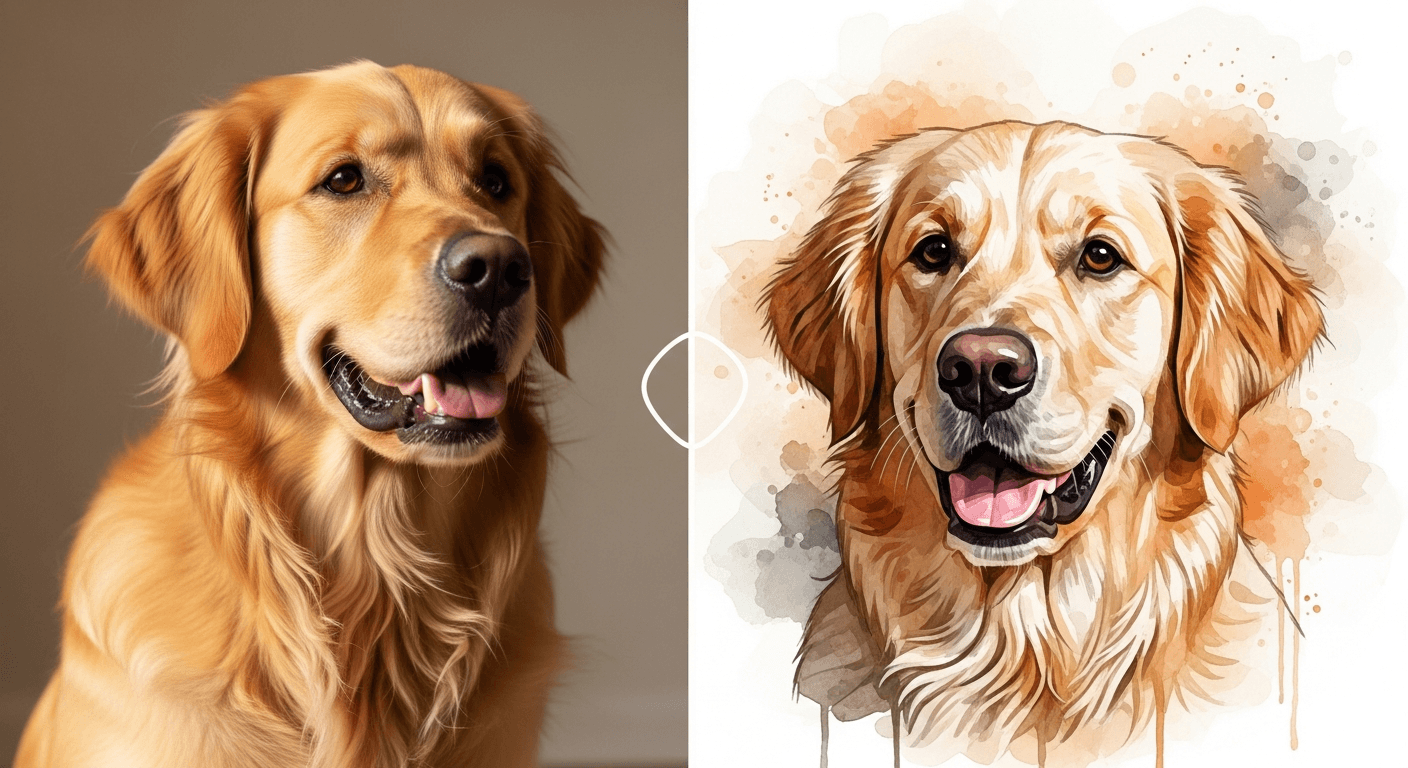
Pet photos already mean a lot because they capture personality, affection, and everyday memories. AI pet art takes that emotional connection and turns it into something more expressive. Instead of just saving another picture to your phone, you can transform a favorite moment into a portrait that feels creative and unique.
That is a big reason why AI pet portraits are becoming so appealing to pet owners. They combine memory, personalization, and fun in one experience. A cheerful dog photo can become a colorful pop-art image. A calm cat portrait can turn into a soft illustrated piece that feels elegant and timeless.
There is also a shareable side to it. Pet owners love showing off their companions, and AI-generated art gives them something more eye-catching to post, print, or keep as part of a personal collection. PetBuddy makes this feel approachable by guiding you through the steps instead of overwhelming you with technical choices.
What kind of pet photo works best
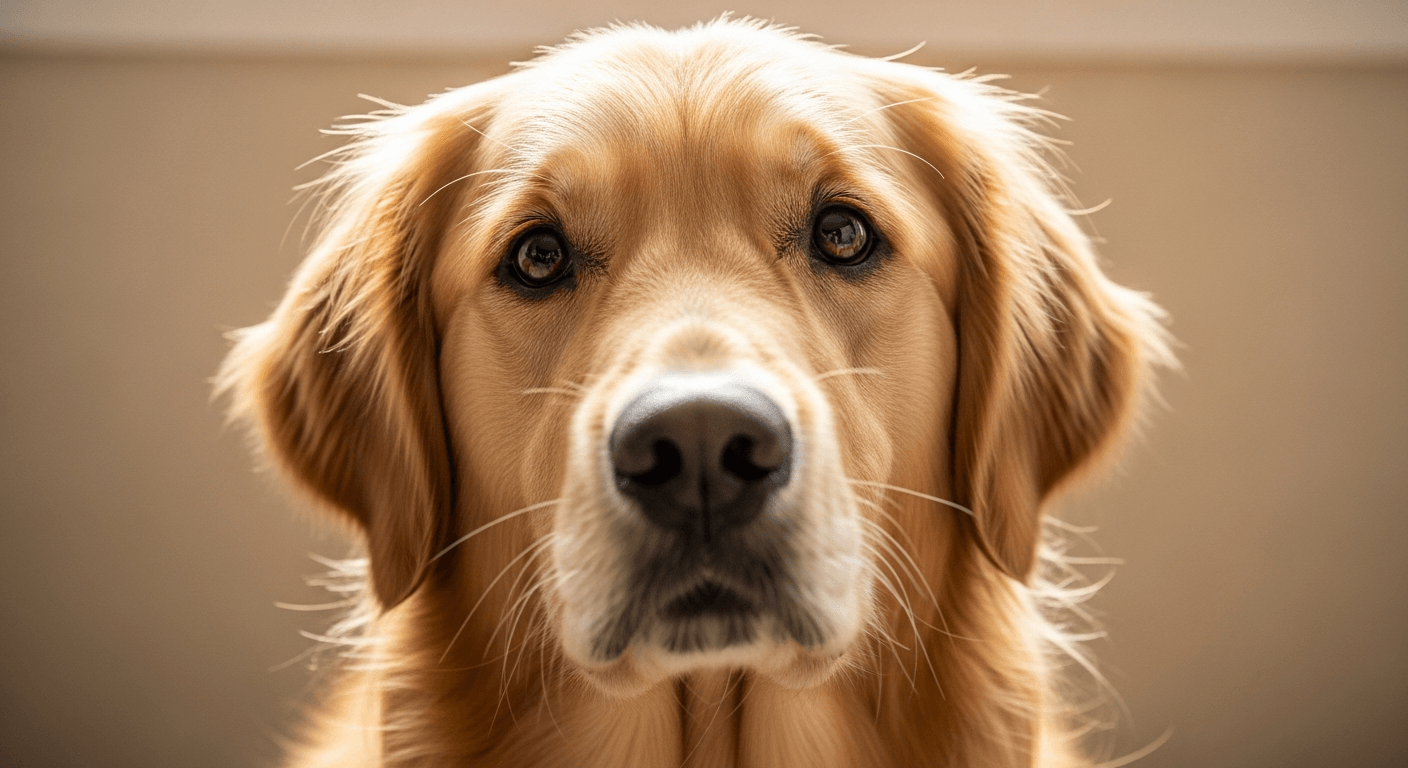
The quality of your result usually starts with the quality of the image you upload. The best photo for a pet photo to AI art transformation is clear, well-lit, and centered on your pet's face or body.
Good lighting matters because it helps the system recognize details like fur texture, eye shape, ear position, and markings. Natural daylight often works best. A clean background also helps because it keeps the focus on your pet instead of nearby objects, furniture, or clutter.
Try to choose a photo where your pet's face is visible and not hidden by motion blur, shadows, or awkward cropping. Sharp images tend to produce stronger AI pet portrait results because the key features are easier to interpret.
Step 1: Upload your pet photo
Start by selecting a photo that clearly shows your pet and feels emotionally meaningful to you. This could be a playful portrait, a calm close-up, or a photo that captures a favorite expression.
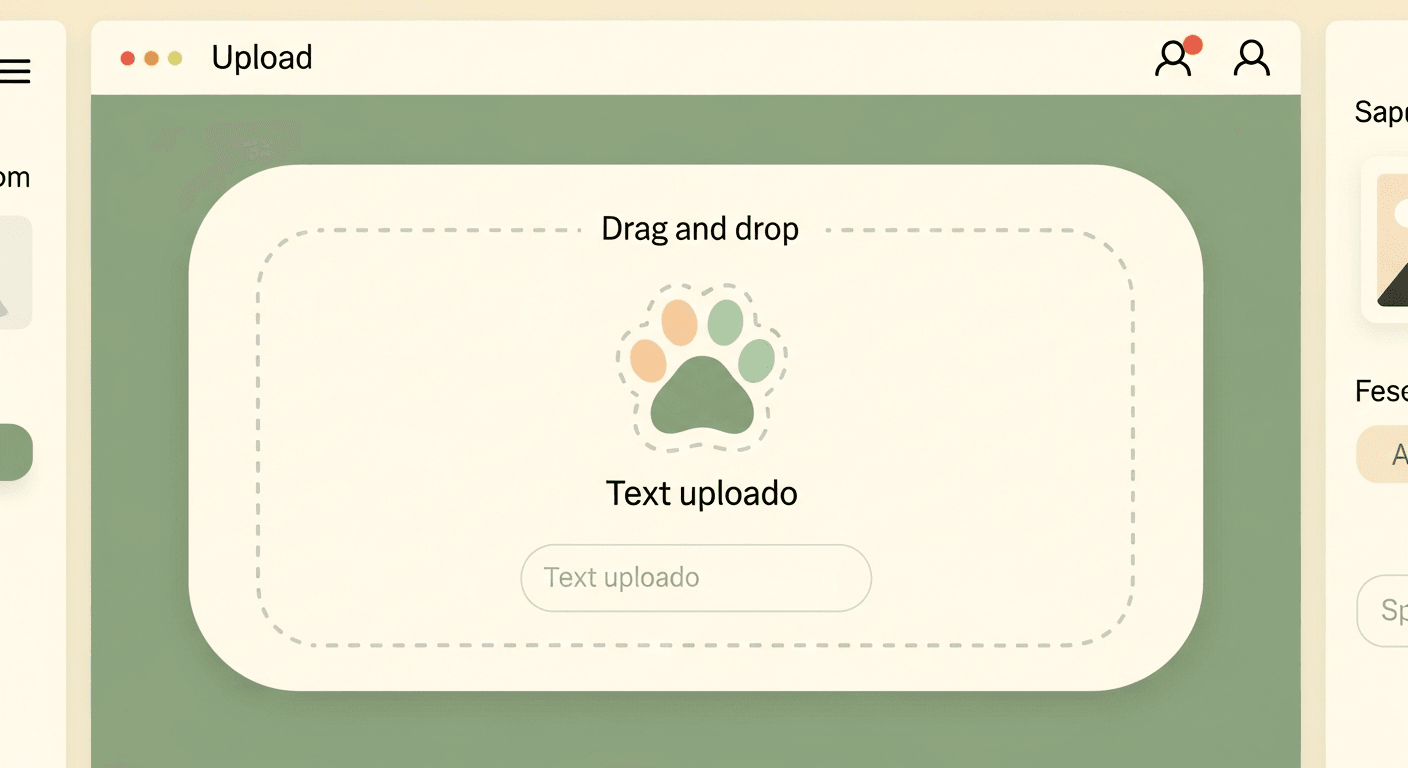
Inside PetBuddy, upload the image through the photo input area. If you are doing this for the first time, keep it simple and choose one strong image rather than trying several random photos all at once. A single clean photo usually gives you a better starting point.
Before moving on, take a moment to check whether the image is sharp enough and whether your pet is the clear focus of the frame. This first step makes a noticeable difference in the quality of your final AI pet art.
Step 2: Choose an art style
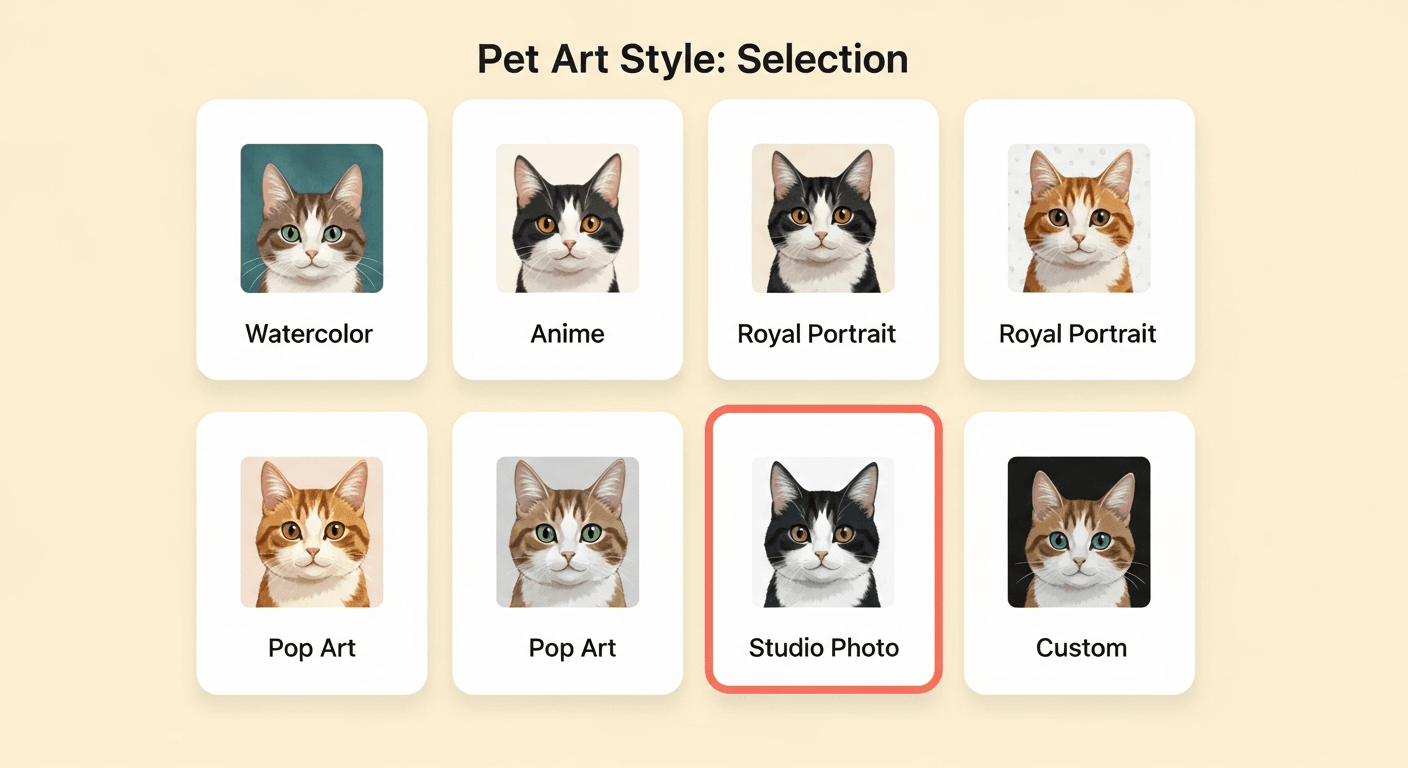
Once your photo is uploaded, the next step is choosing the visual style for your portrait. This is where the creative part really begins.
Different styles can make the same pet feel playful, elegant, bold, whimsical, or classic. Some people prefer a bright illustrated look, while others want something softer or more painterly. The best option is usually the one that matches your pet's personality.
If your dog is energetic and funny, a lively style may feel right. If your cat has a calm and regal presence, a more refined style may suit the image better. PetBuddy helps make this choice easier by presenting styles in a guided, beginner-friendly way.
Do not worry about choosing the perfect one immediately. You are exploring. The goal is to find the style that makes your pet feel most recognizable and special.
Step 3: Review your AI-generated results
After choosing a style, review the generated outputs carefully. This is the moment where your photo starts turning into an AI pet portrait, and it helps to compare versions with fresh eyes.
Look at the facial expression, fur detail, eye clarity, and overall mood. Ask yourself whether the result still feels like your pet. A strong result usually preserves familiar features while adding a creative new visual layer.
PetBuddy makes it easier to compare multiple versions, so you can notice which one feels the most natural, expressive, or fun. Sometimes the first result is perfect. Other times, a different variation captures your pet better.
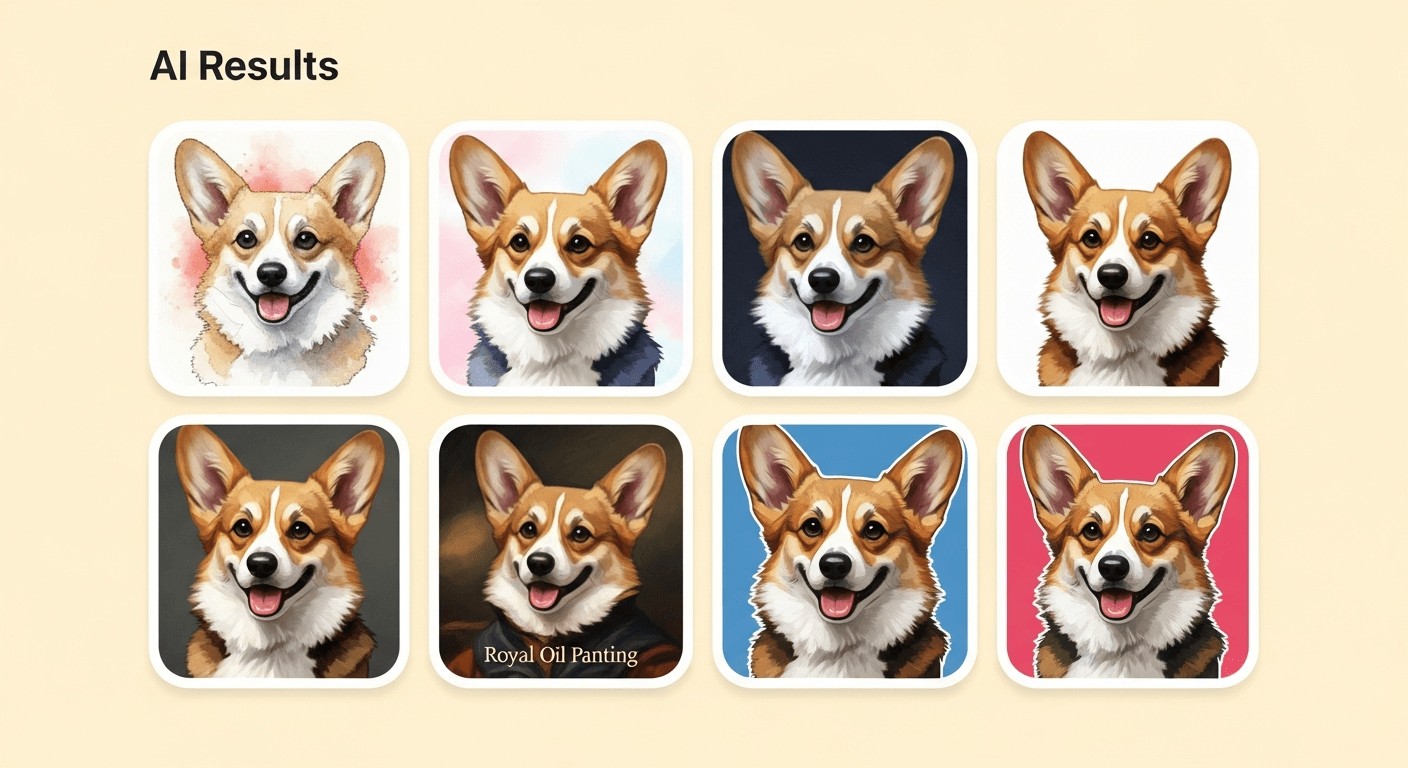
Step 4: Pick your favorite version
Now choose the final version that feels most personal to you. This step is less about technical perfection and more about emotional fit.
The best image is usually the one that makes you smile right away or instantly reminds you of your pet's personality. Maybe it captures the eyes especially well. Maybe the colors feel warm and expressive. Maybe it simply looks like a version you would be proud to share.
When you pick your favorite, you are not just selecting an image. You are choosing the version of your pet memory that feels worth keeping. That is what makes the process more meaningful than creating another ordinary photo edit.
Common mistakes to avoid before generating
A few simple mistakes can make the process harder than it needs to be. One of the most common problems is uploading a blurry image. If the original photo is soft, dark, or in motion, the generated result may lose the details that make your pet recognizable.
Another issue is using a photo with a crowded background. When there are too many objects behind your pet, the final portrait may feel less focused. Tight cropping can also be a problem if ears, paws, or parts of the face are cut off in an awkward way.
Some beginners also rush through style selection. It helps to pause and choose a style that actually fits the mood you want. A dramatic art style may not be the best choice for every photo.
Finally, try not to go in with vague expectations. It is better to think in simple terms: Do I want this portrait to feel cute, elegant, bold, playful, or sentimental? That small bit of clarity can lead to better results.
FAQs about AI pet art
What is AI pet art?
AI pet art is artwork generated from a real pet photo using creative image-processing tools. It transforms an ordinary photo into a more artistic portrait style.
Can I turn any pet photo into AI art?
You can use many types of photos, but the best results usually come from clear, well-lit images where your pet is easy to see.
What makes a good AI pet portrait?
A good AI pet portrait keeps the recognizable features of your pet while adding a style that feels attractive and intentional.
Do I need design experience to use PetBuddy?
No. PetBuddy is designed to be beginner-friendly, so pet owners can move through the process step by step without design skills.
How do I choose the best style for my pet?
Start with your pet's personality. If your pet feels playful, choose something lively. If your pet feels calm or elegant, try a softer or more refined style.
Why does my pet photo matter so much?
The original image helps shape the final result. Clear lighting, visible facial features, and a simple background usually improve the quality of AI pet art.
Can I create more than one version?
Yes. It often helps to review multiple versions before deciding which one best captures your pet.
Turning a favorite photo into art is one of the simplest ways to create something more memorable from the images you already love. With the right photo and a style that matches your pet's personality, the process feels creative, easy, and rewarding.
Ready to create your own AI pet portrait?
Upload your favorite pet photo, choose a style, and see your pet transformed into collectible art.
Create My Pet ArtBeginner-friendly · Choose your style · Instant results